Verifying Account
How do I verify my account in the mobile app?
• Enter your registered email address on the login/verification screen.
• Tap Proceed
• You will receive an OTP at your registered email.
• Enter the OTP in the app to complete your email verification.
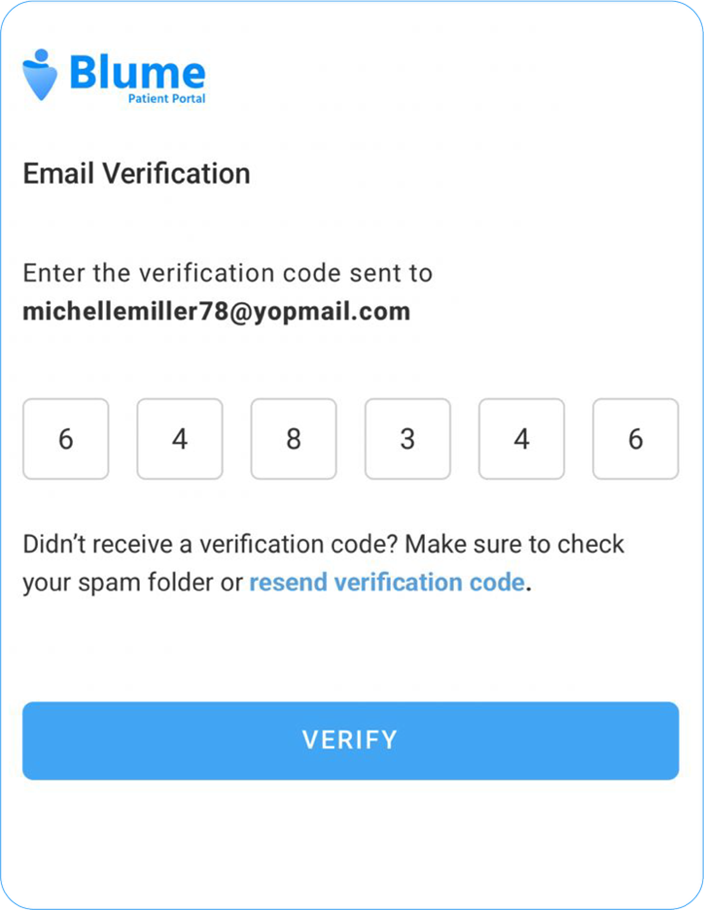
• Once verified, you will be redirected to the Blume dashboard.
Existing Account
What if I already have an account in the mobile app?
• On the Sign In page, enter your registered email and tap Proceed.
• Then enter your PIN or Password to log in to your account.
Note: For detailed instructions, refer to the Getting Started with Blume section.